Business Vault
Essential business details and useful links.
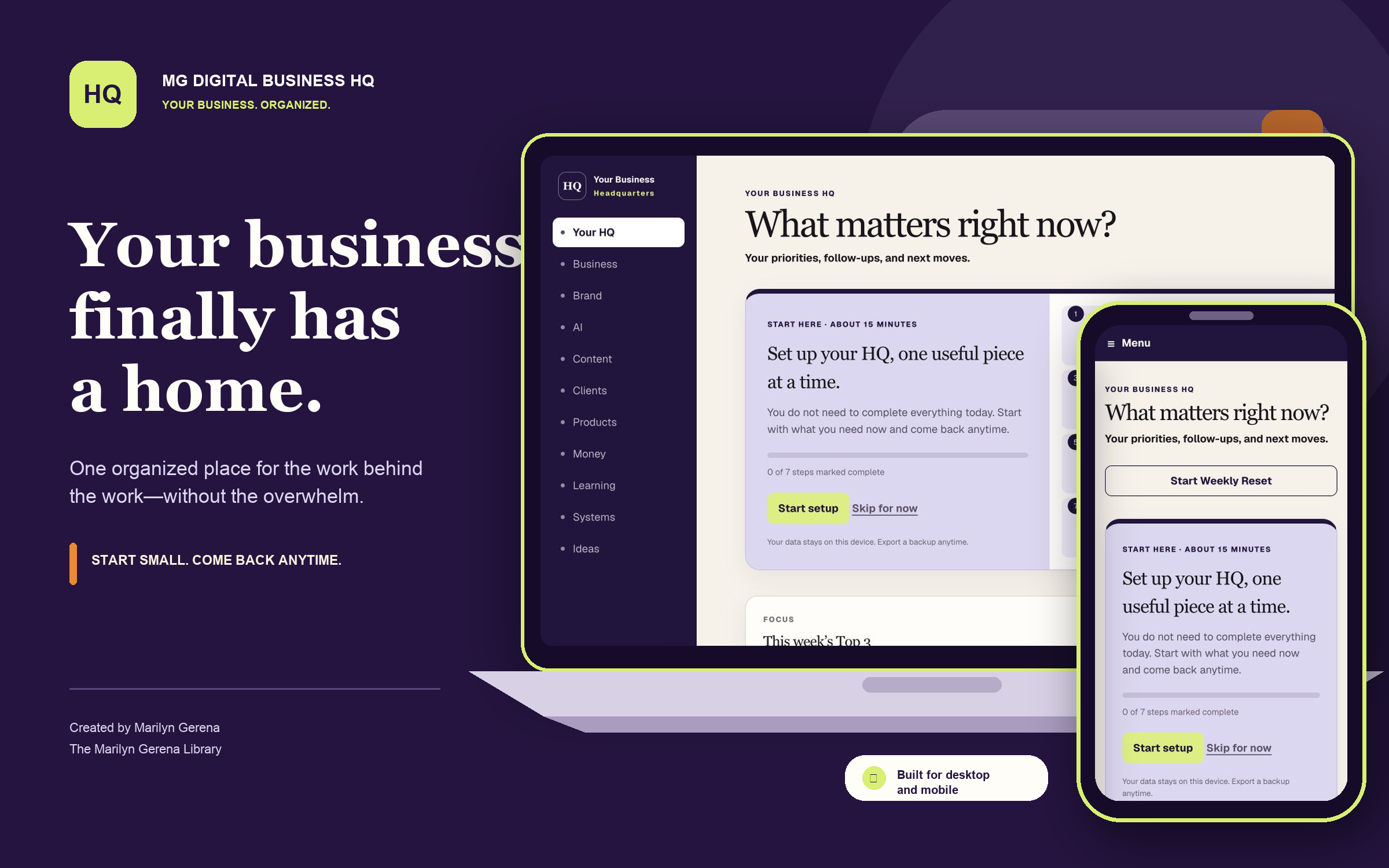
MG Digital Business HQ
One organized browser-based workspace for the priorities, information, ideas, and moving pieces behind your business.
$27 one-time purchase · No subscription
Useful details naturally end up scattered across:
One place for the work behind the work
Bring your business details, plans, resources, clients, offers, ideas, and next moves into one calm headquarters.
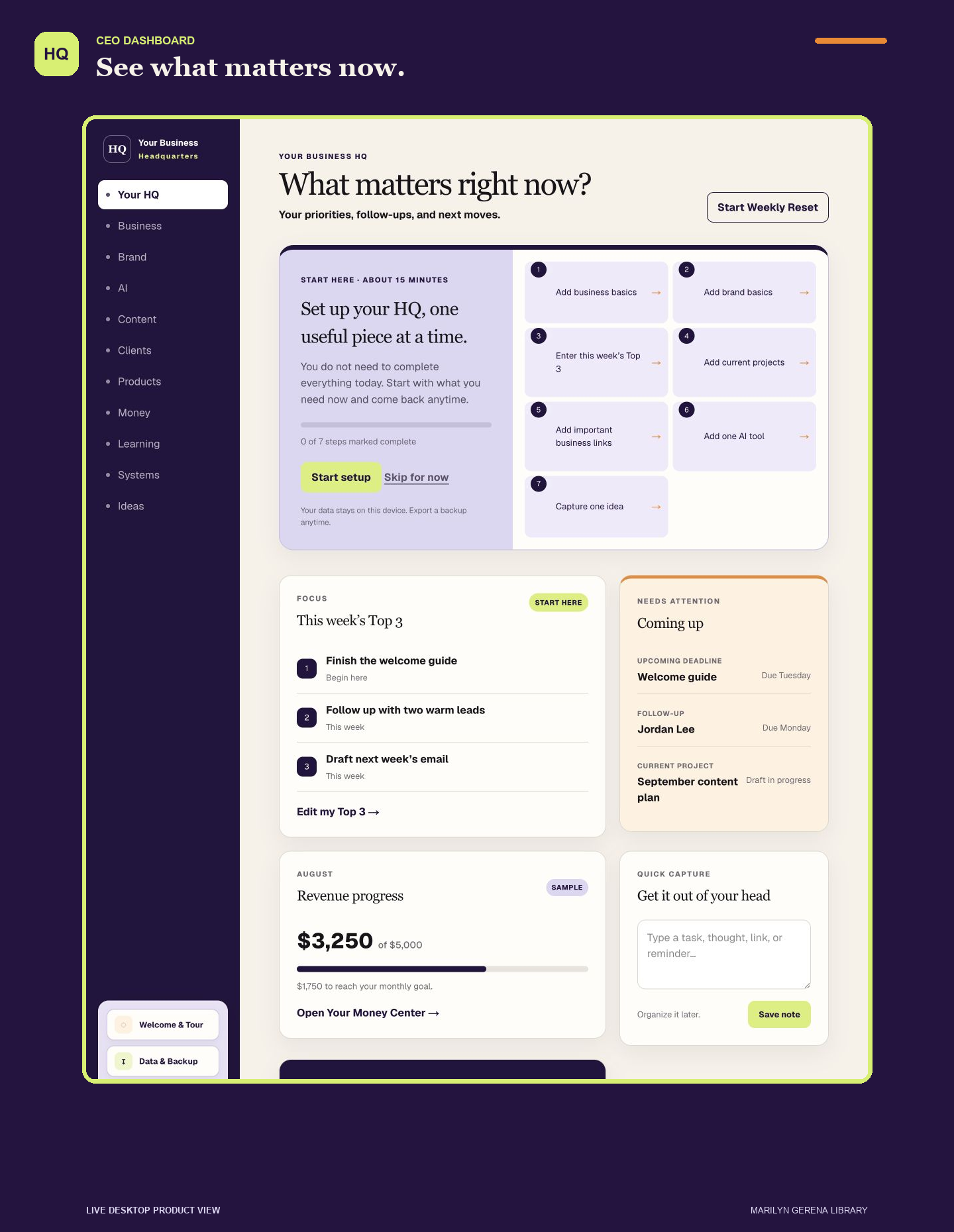
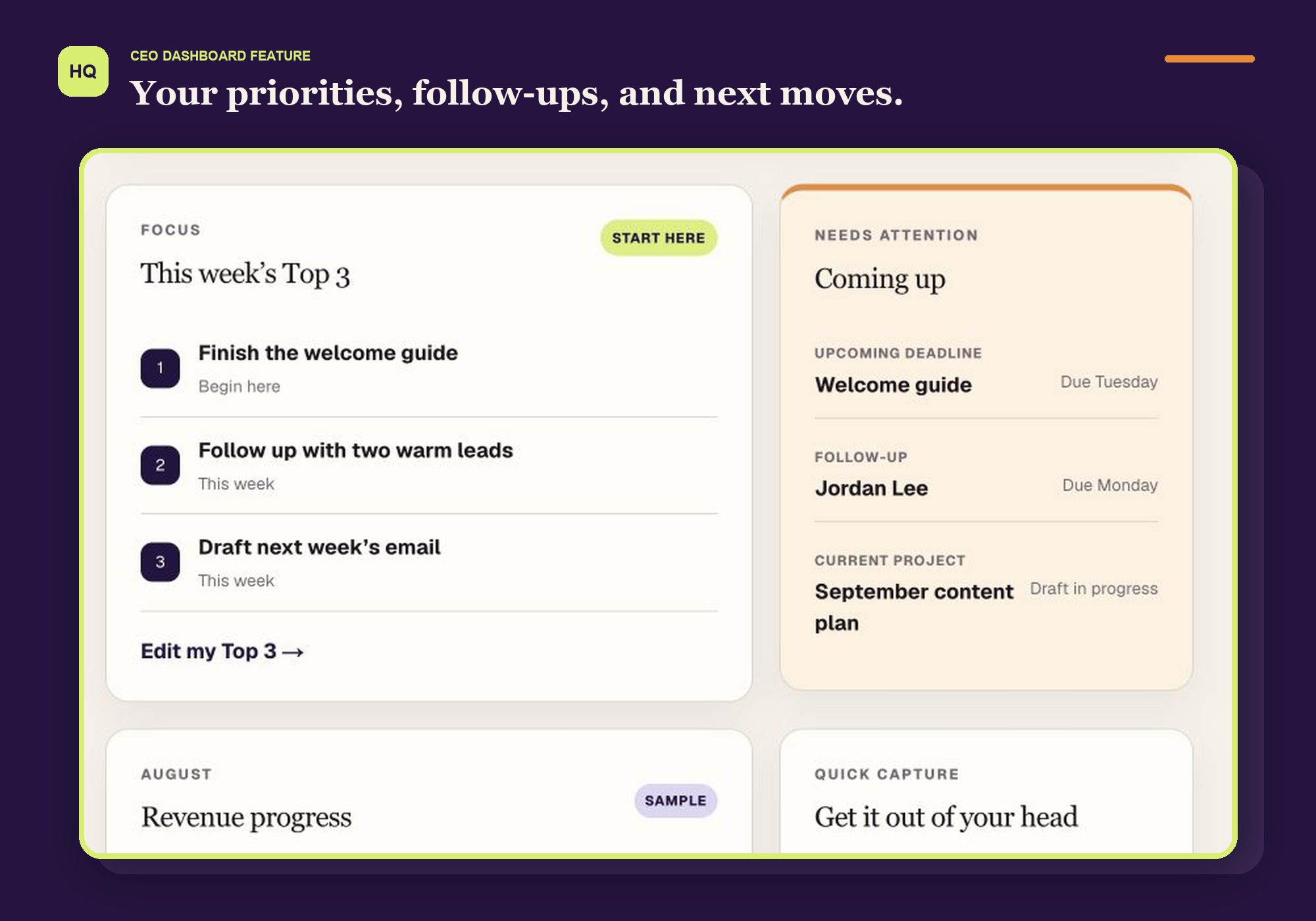
Your CEO Dashboard keeps your Top 3, follow-ups, revenue visibility, and quick thoughts close—without showing you everything at once.
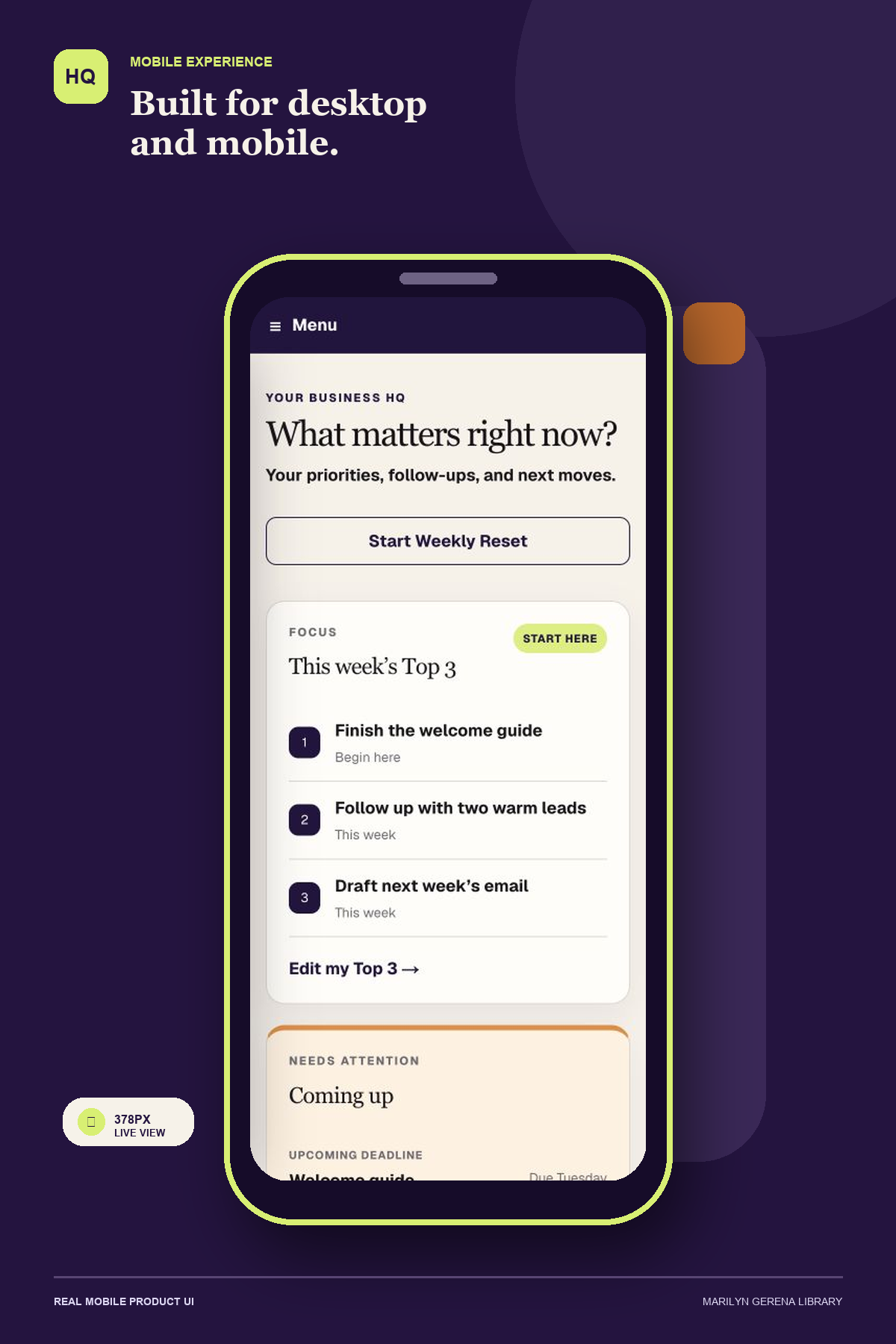
Use the full workspace on desktop or open the mobile-friendly experience in a supported phone browser.
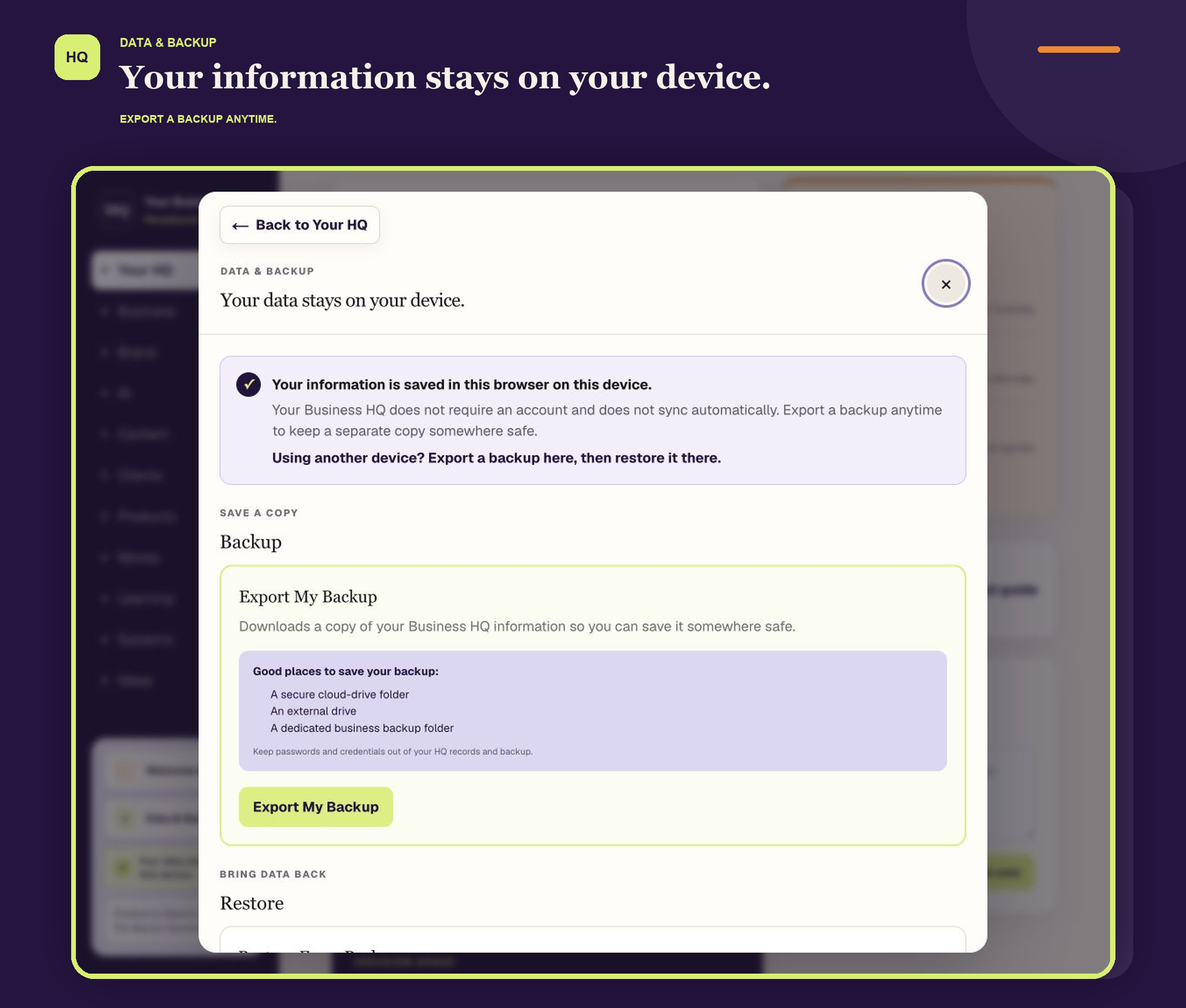
Information is stored in the browser on the device where it is entered. It does not automatically sync between devices.
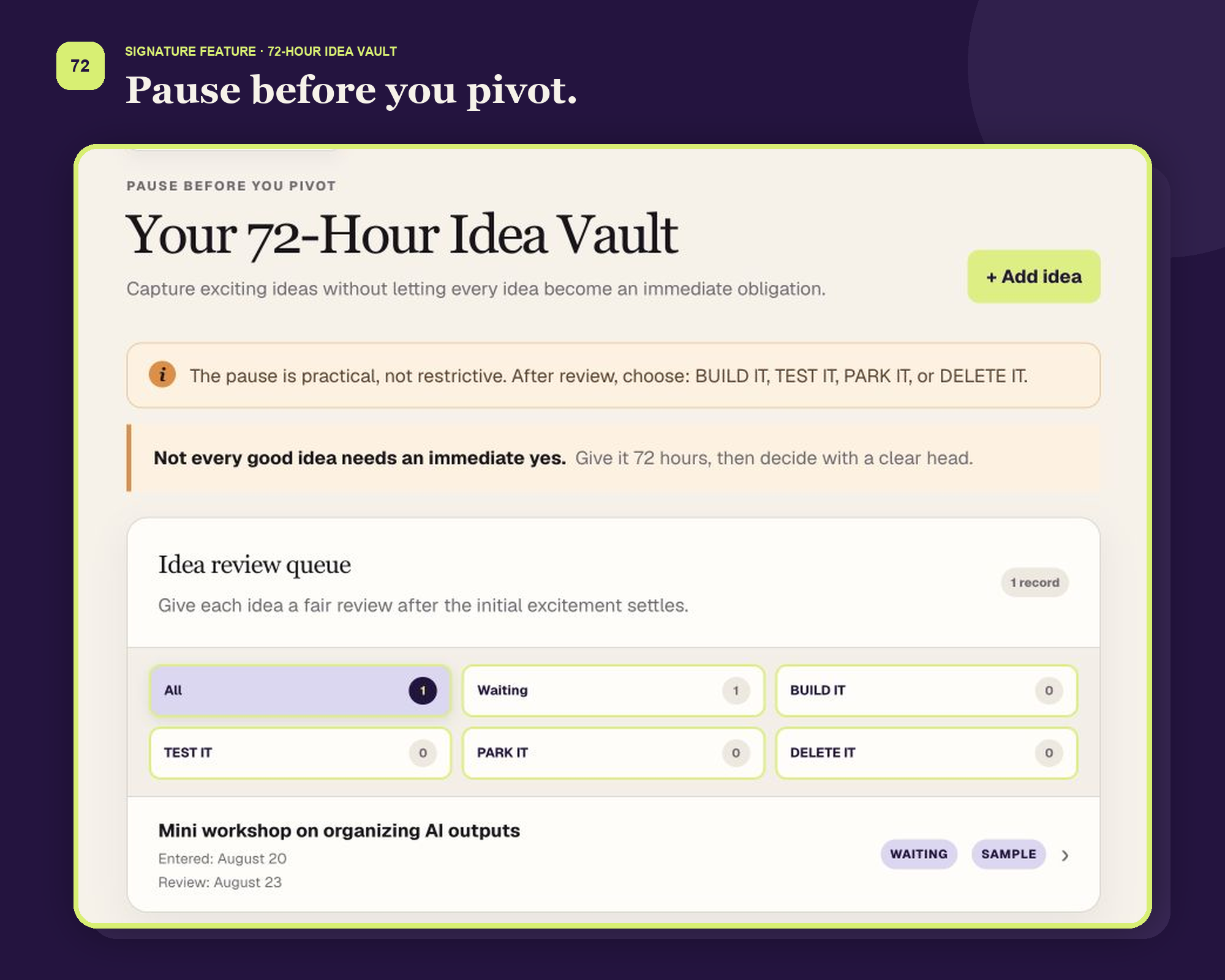
The 72-Hour Idea Vault
Capture the exciting idea now. Give it time to cool down. Then decide what it deserves.
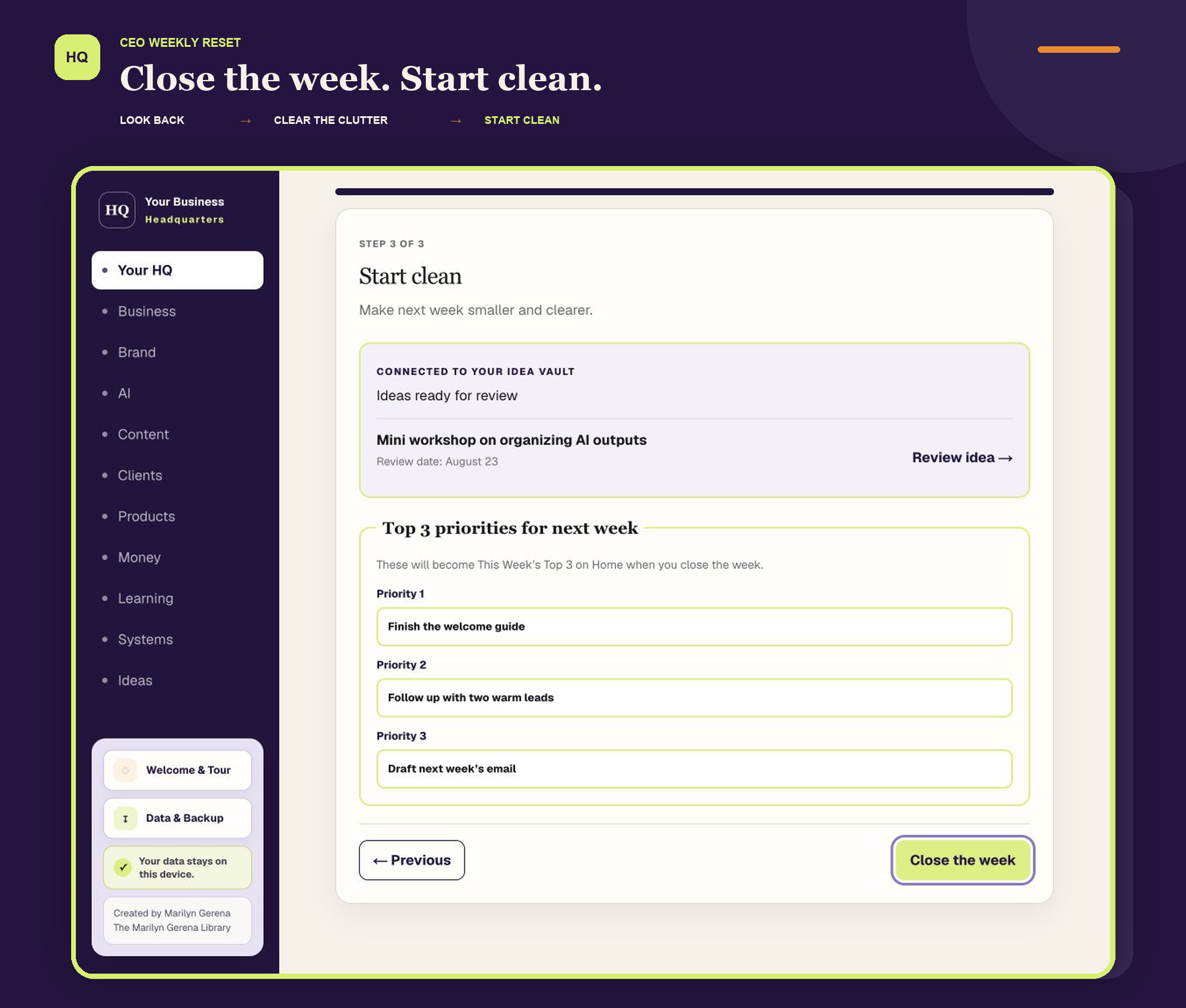
A short three-step reset helps you reflect briefly, clear what is taking up space, and choose next week’s Top 3.
Look back Clear the clutter Start clean
Your new priorities move directly into the CEO Dashboard when you close the week.
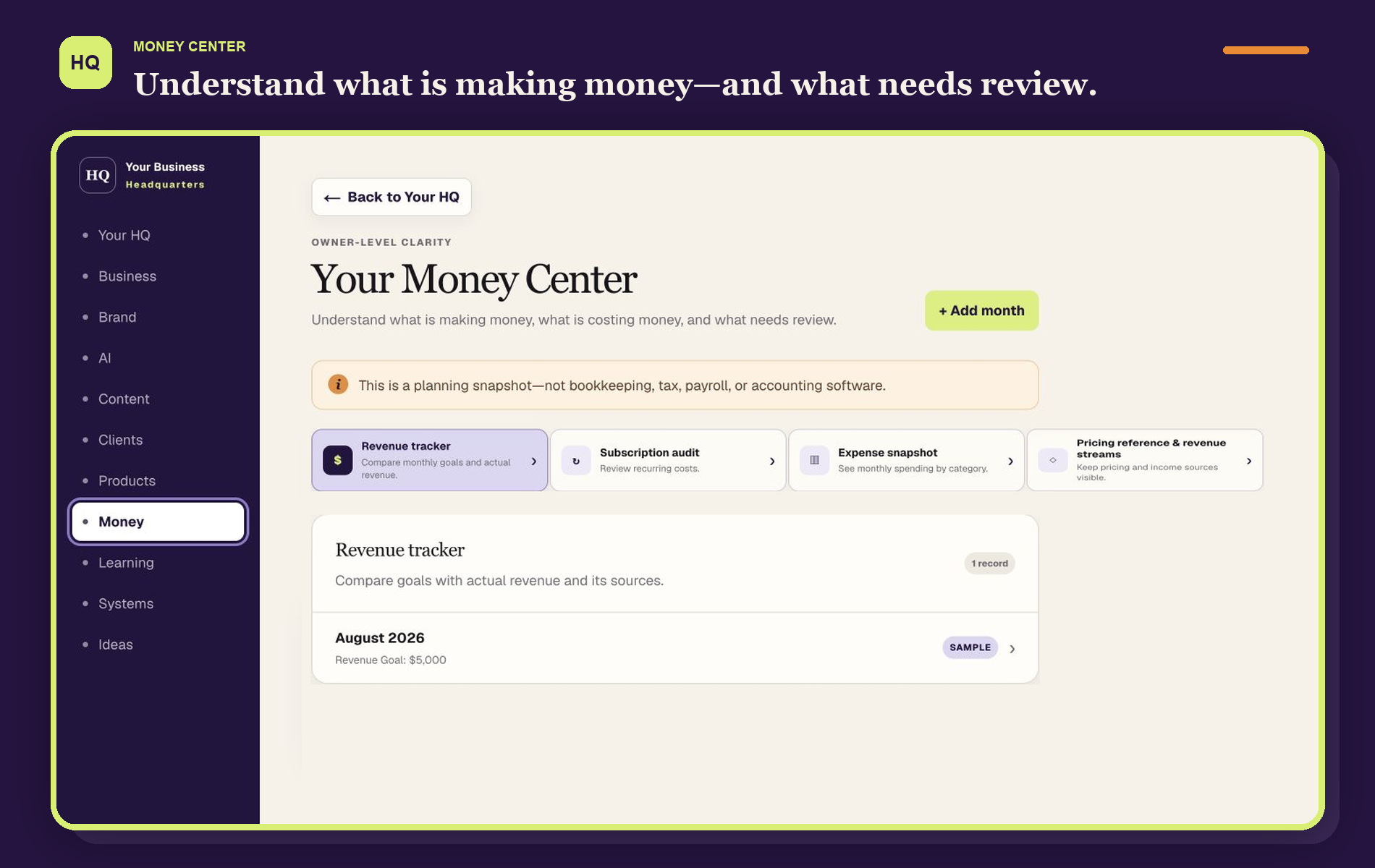
Keep a practical owner-level view of monthly revenue, recurring costs, spending categories, prices, and income sources.
Money Center is a planning snapshot. It is not bookkeeping, tax, payroll, or accounting software.
Track courses and useful resources—but keep the next action more visible than the completion badge.
Capture the Biggest Takeaway, then name the Action to Implement so useful learning has somewhere to go.

Essential business details and useful links.
Brand foundations, visuals, and voice.
Tools, reusable prompts, and AI wins.
Content plans, ideas, and repurposing tasks.
Relationships, project stages, payment status, and next steps.
Offers, launches, links, and performance notes.
Repeatable processes you can follow or hand off later.
Your HQ saves the information you enter in that browser on that device. No customer account is required.
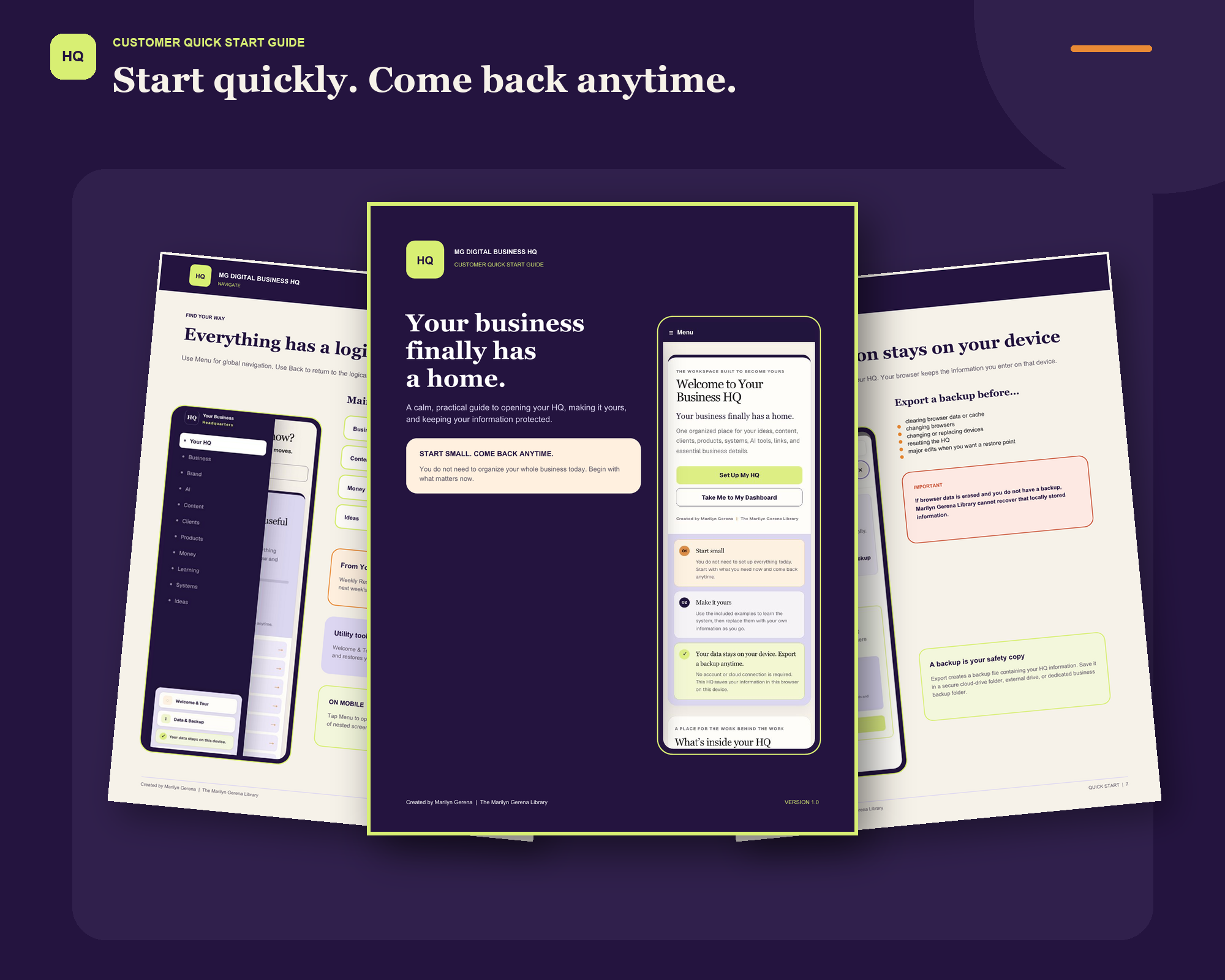
Start with the guidance you need, then return to it whenever you want a refresher.

One-time digital purchase
One practical workspace for the information, decisions, and next moves behind your business.
MG Digital Business HQ — $27
Secure checkout and instant digital delivery.
Frequently asked questions
It is a browser-based digital workspace. You open it through your customer access link and use it in a supported browser. It does not require a traditional software installation or customer account.
No. MG Digital Business HQ does not require a customer account or password.
The information you enter is saved locally in that browser on that device. Marilyn Gerena Library does not store your entered HQ information.
No. Information does not automatically sync between devices or browsers. To move your information, export a backup from one device and restore it on another supported device.
Yes. The HQ includes a mobile-friendly experience. Remember that information entered on one device does not automatically appear on another.
Export a current backup before making the change. You can then open your HQ and restore that backup in the new supported browser or device.
No. The HQ was designed for non-technical business owners. Your purchase includes a Customer Quick Start Guide, an Access Guide, and a short walkthrough.
No. Money Center provides an owner-level planning snapshot. It is not bookkeeping, accounting, tax, payroll, invoicing, or financial-advice software.
You will receive customer access to MG Digital Business HQ, the Access Guide, Customer Quick Start Guide, and short customer walkthrough. The HQ also includes built-in export and restore tools.
No. MG Digital Business HQ is a one-time $27 digital purchase.
Email hello@marilyngerena.com for help with access, backups, restoring a backup, or basic HQ use.
Information erased from a browser or device cannot be recovered without a usable backup.
Your Business HQ is ready
Start with what matters today. Add the rest as your business grows.
Get My Business HQ — $27One-time digital purchase. No subscription.